Write

A page that stays out of the way.

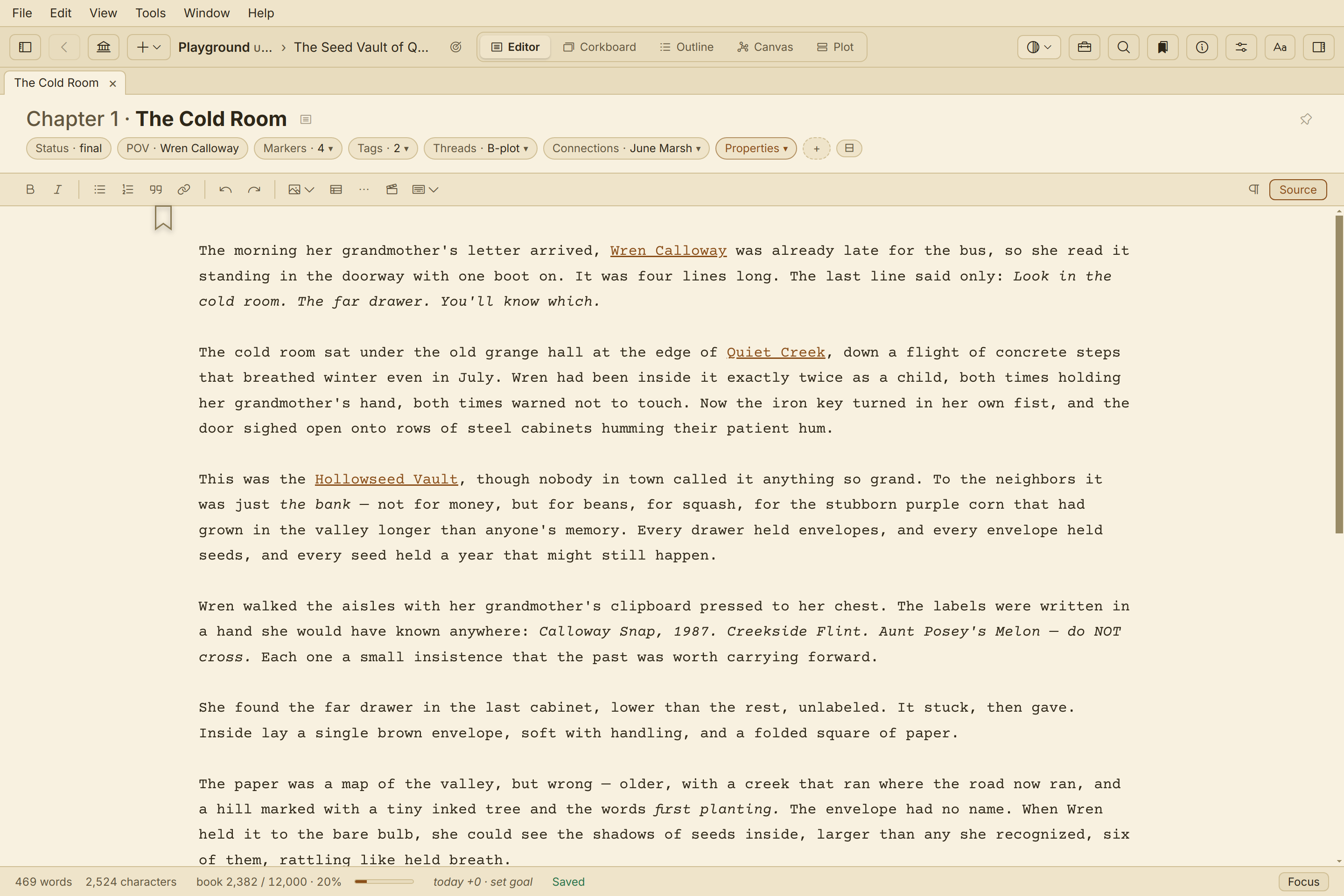
Prose first; everything else waits until you ask.

The page

Writes like a document, saves like a text file.

A quiet WYSIWYG surface with Markdown underneath — never forced on you. Flip to source when you want it; ignore it when you don't.

  • Clean prose surface, zero chrome
  • One keystroke to source view
  • Slash menu for structure as you type
Quill's editor with Markdown available under the page via the Source toggle.
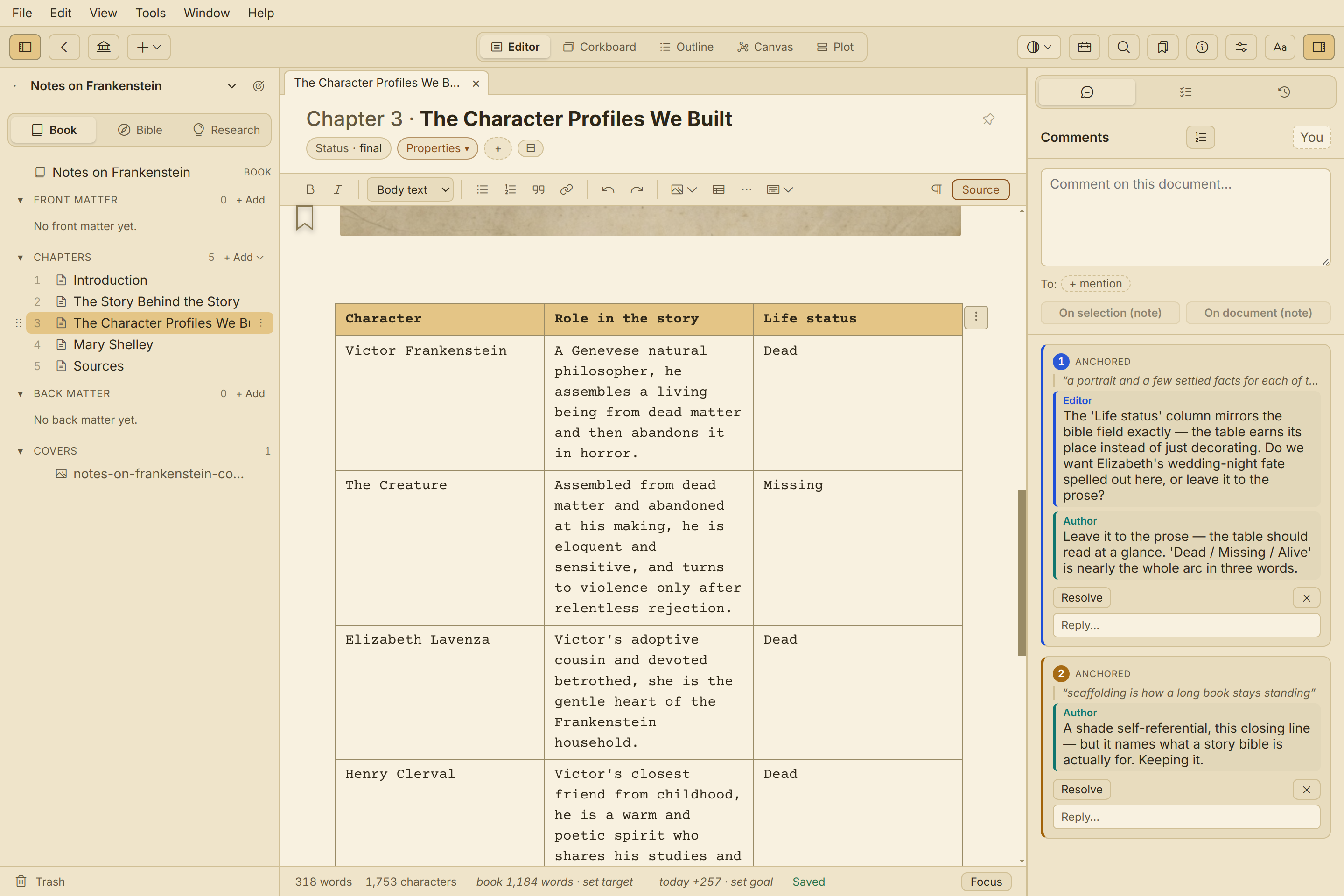
A table mid-manuscript in Quill's editor, with an image inside a cell and an ink underline.

Tables

Tables that behave like text.

Type in a cell the way you type in a paragraph — search reaches inside, checks mark inside, images sit inside, and line breaks work where you expect.

  • Search and checks work inside cells
  • Images in cells
  • Cell line breaks with Shift+Enter

Images

Pictures that make it to print.

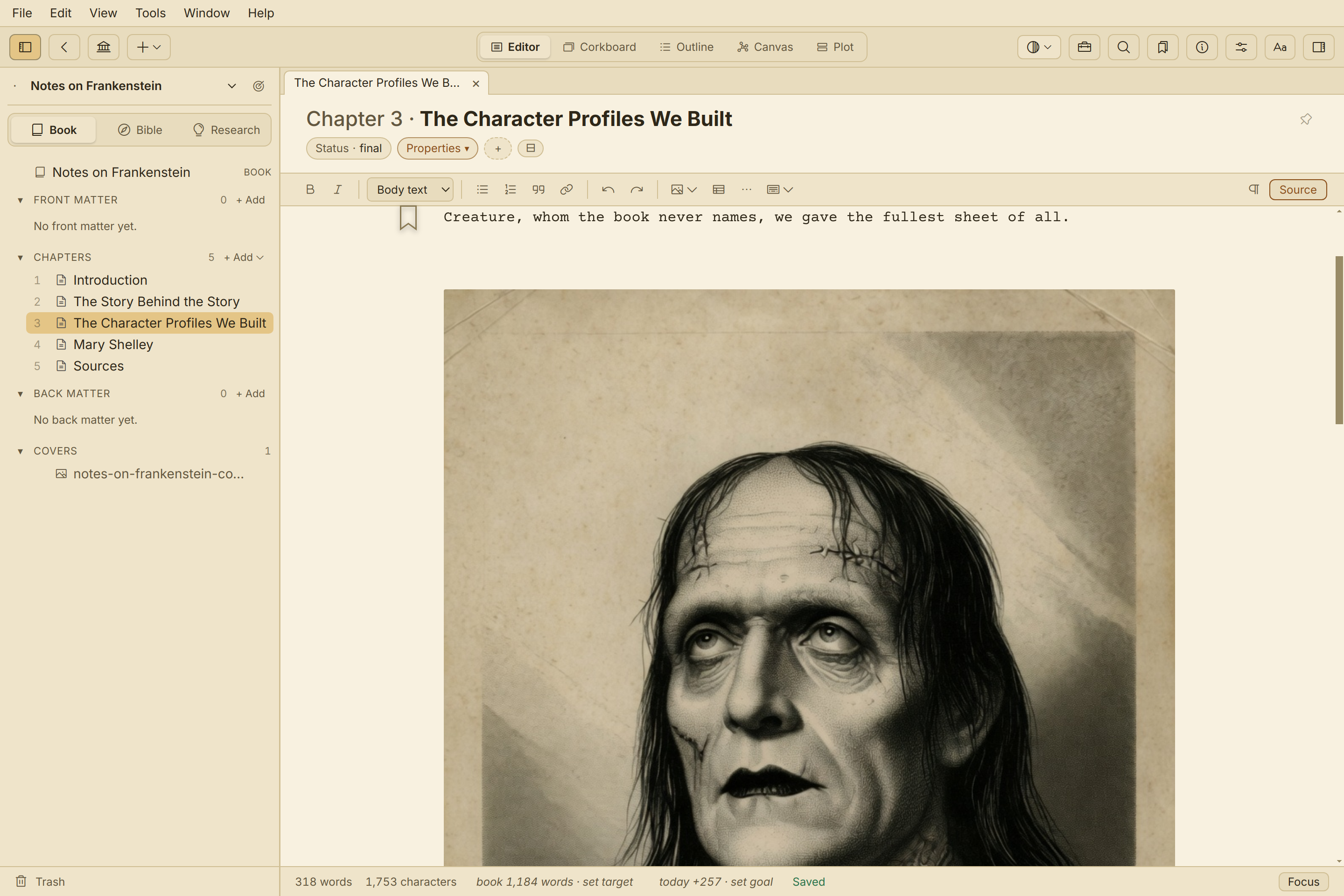
Drop images into the body or into tables — they render in the editor and survive into every export target: PDF, EPUB, DOCX, Markdown.

  • Inline and shared images
  • Rendered in-editor, kept in export
  • A broken reference degrades to a placeholder — it never breaks your book
An illustrated page in Quill's editor beside its PDF output.
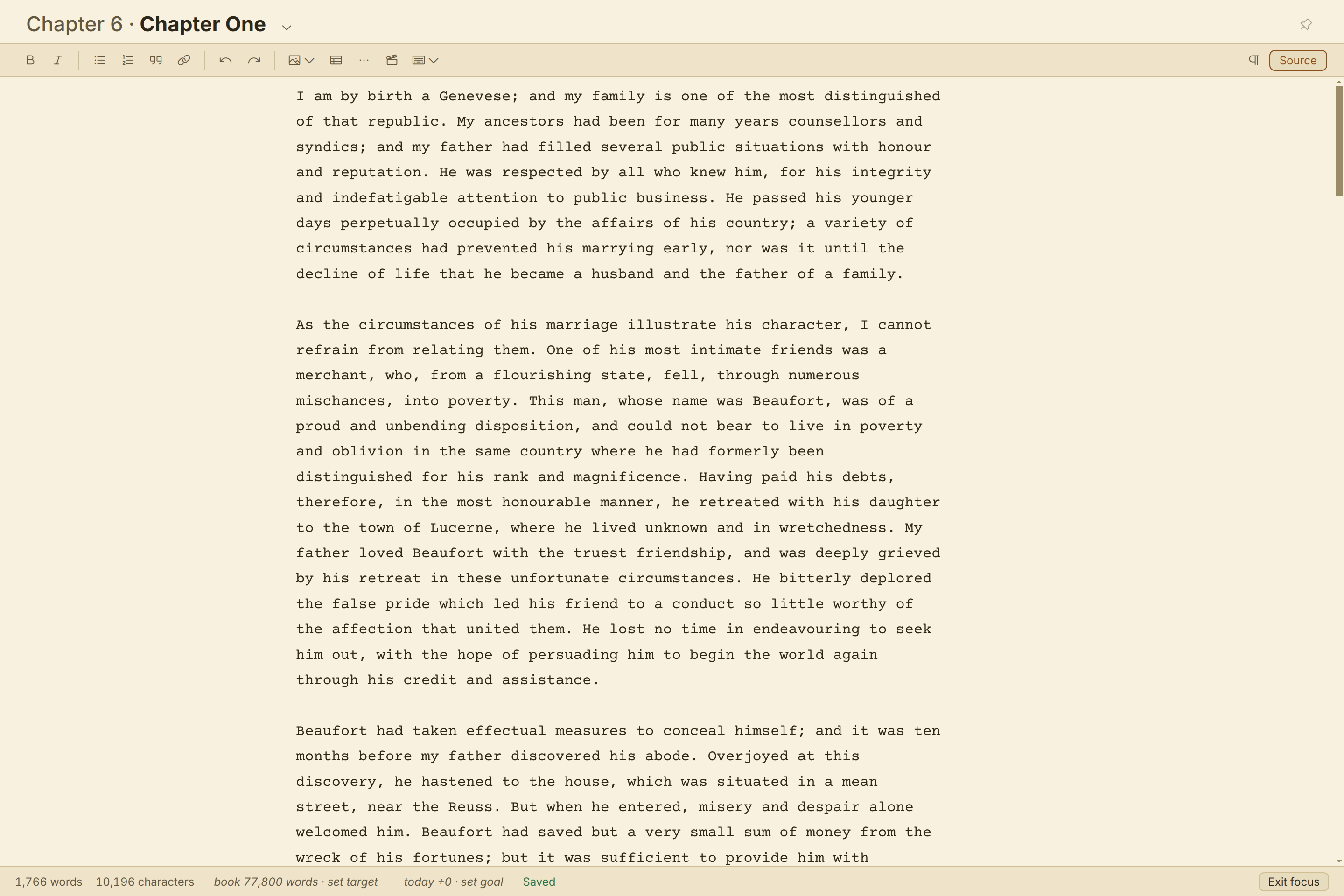
Quill in focus mode — docks and menus hidden, leaving a clean writing page.

Goals & focus

Word counts that answer to you.

Daily goals, book-level targets, and prose statistics sit quietly in the footer until you ask. Focus mode clears the docks and menus, leaving nothing but the page.

  • Focus mode
  • Per-chapter status, POV and properties
  • Daily goals & book-level targets

Sit in it for 30 days.

The trial is 30 days of actual use — days you don't write don't count. Buy once; every 1.x update is included.

Get Quill